Cancel a Reservation
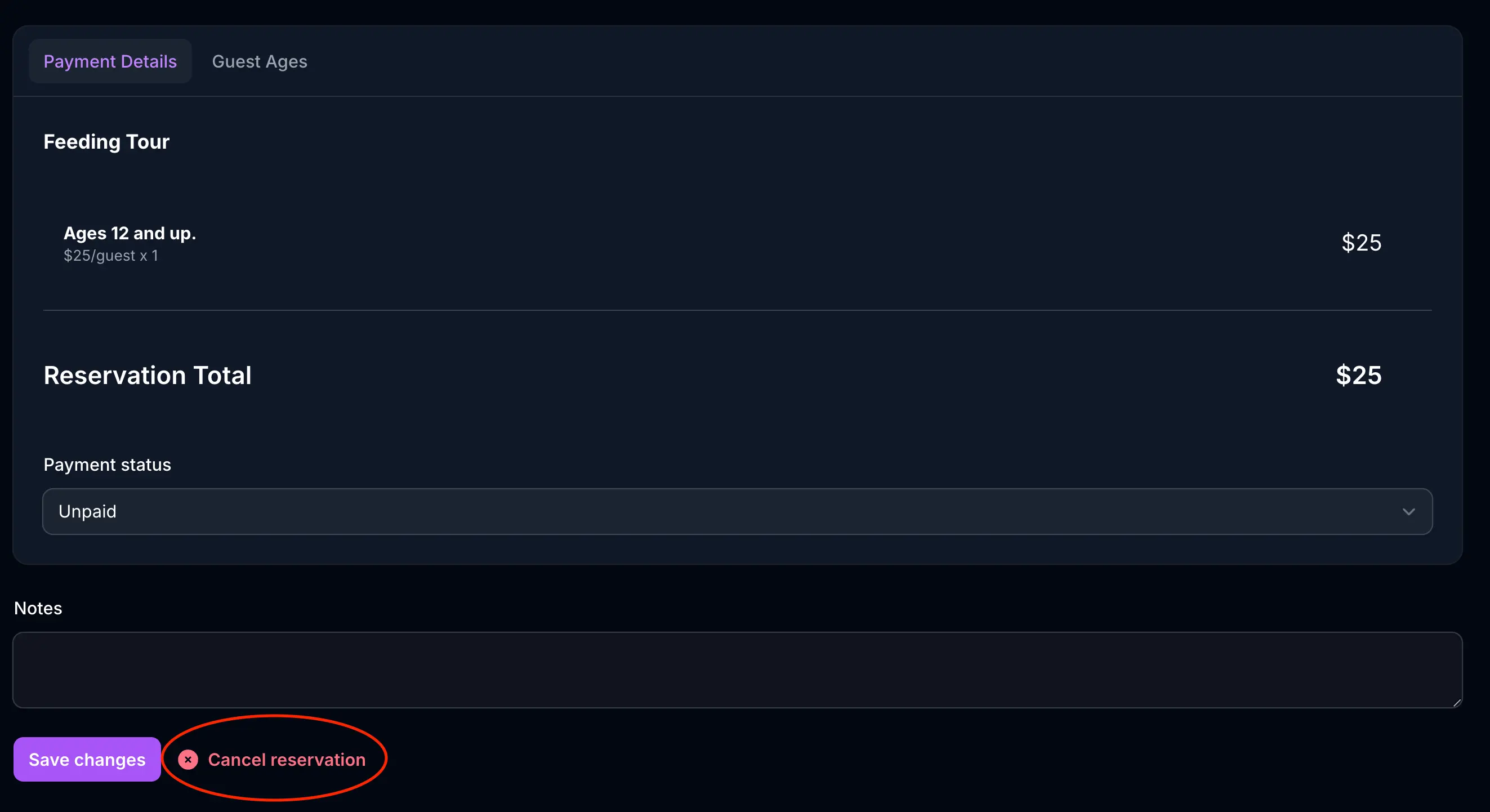
If you need to cancel a reservation, you can do so by clicking the “Cancel” button on the reservation’s detail page.
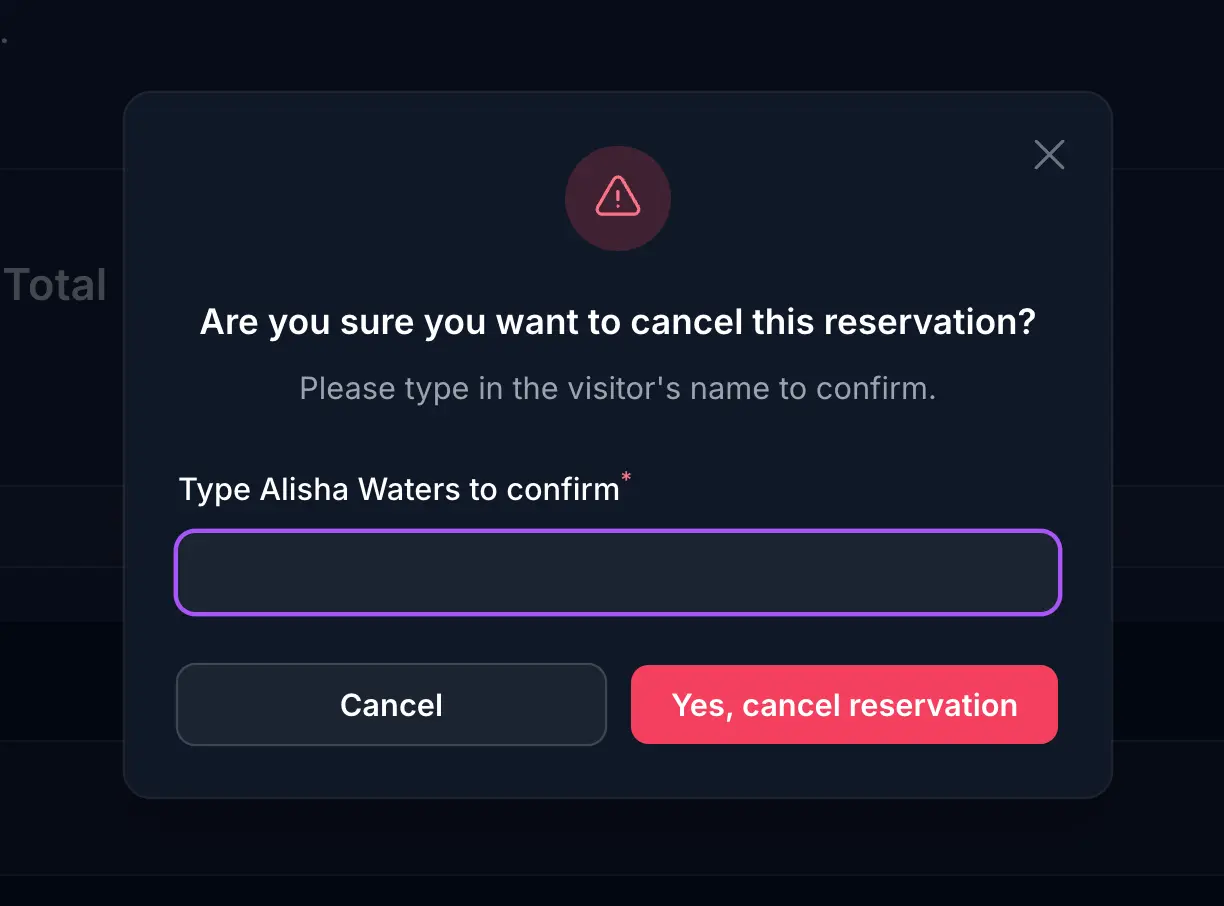
Once you click the “Cancel” button, you will be asked to confirm that you want to cancel the reservation by typing the full name of the visitor on the reservation.
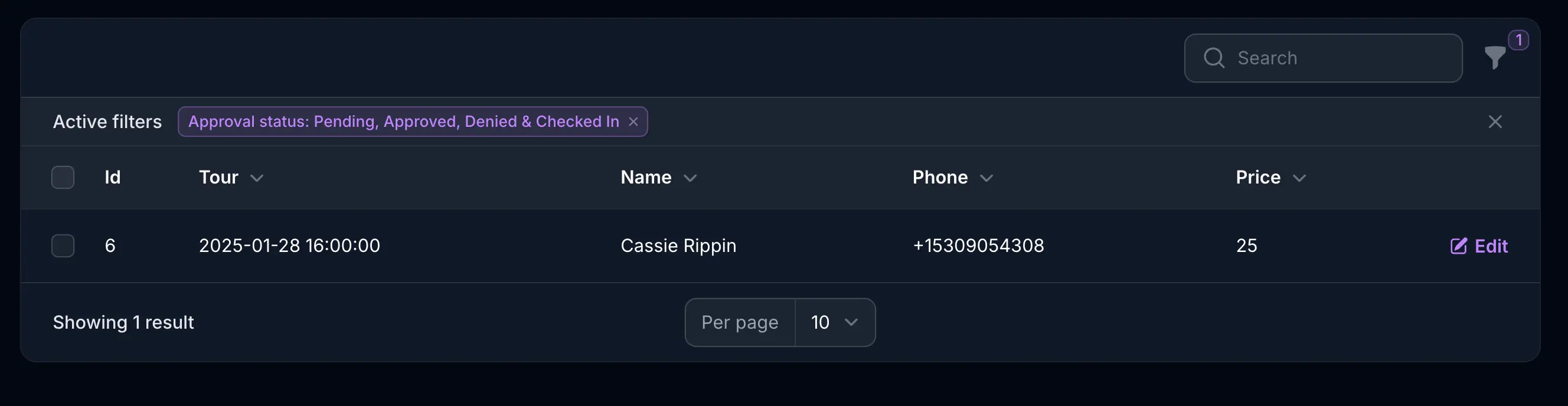
Once cancelled, the reservation will be moved to the “Cancelled” status. You’ll notice that the reservation will not be visible in the default reservation list view.
See cancelled reservations
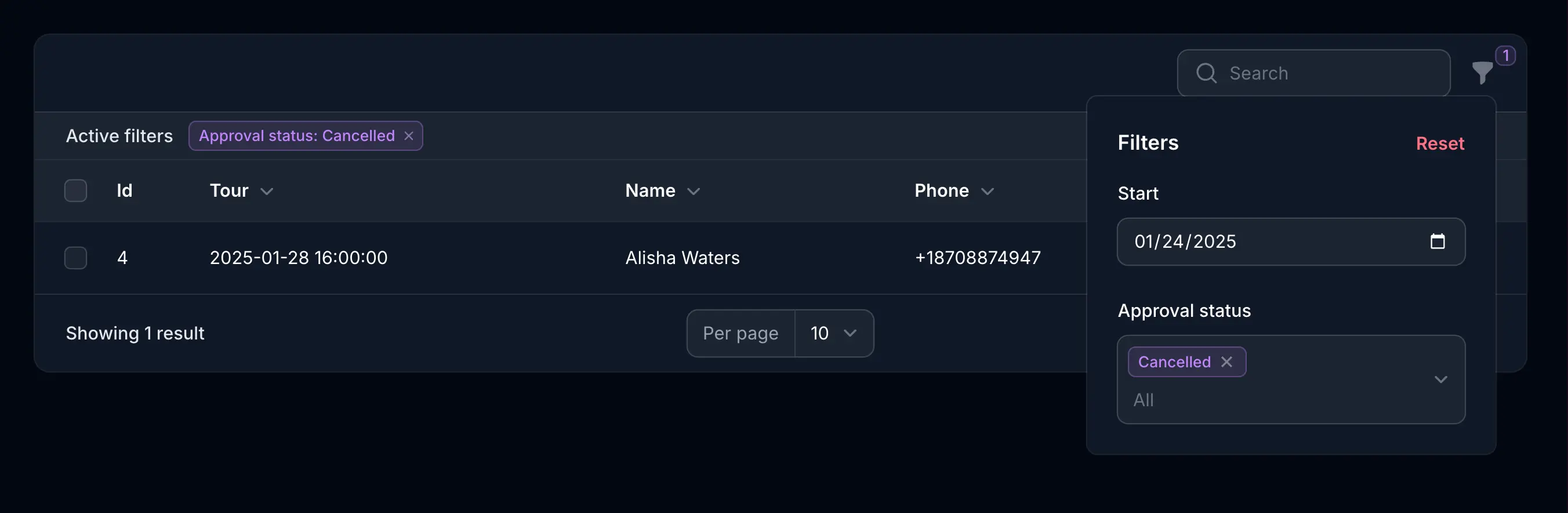
To see all cancelled reservations, you can filter the reservation list by the “Cancelled” status.
Restore a cancelled reservation
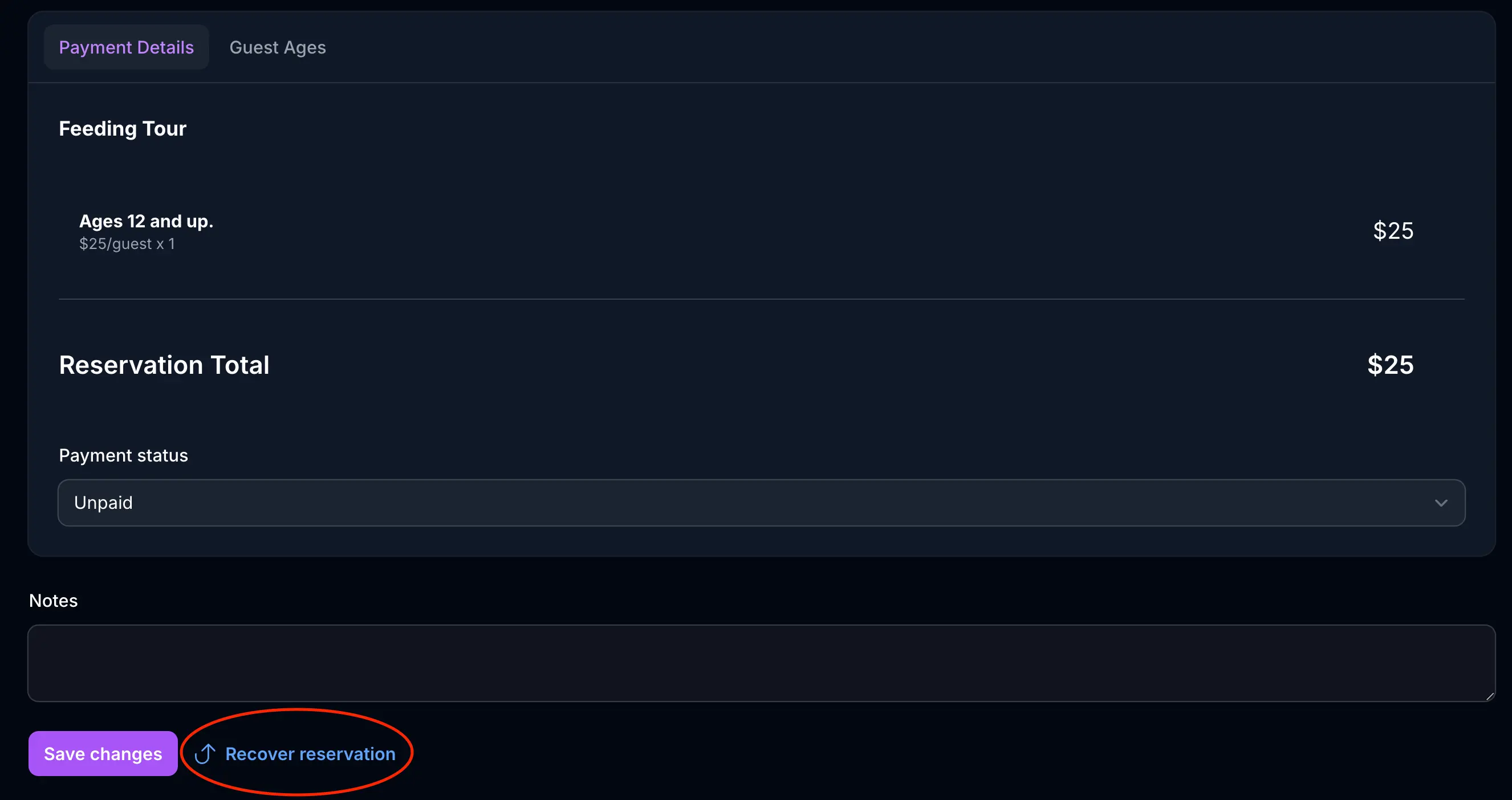
To restore a cancelled reservation, you can click the “Restore” button on the reservation’s detail page. Confirm you want to restore the reservation, and the reservation will be moved back to the “Pending” status.